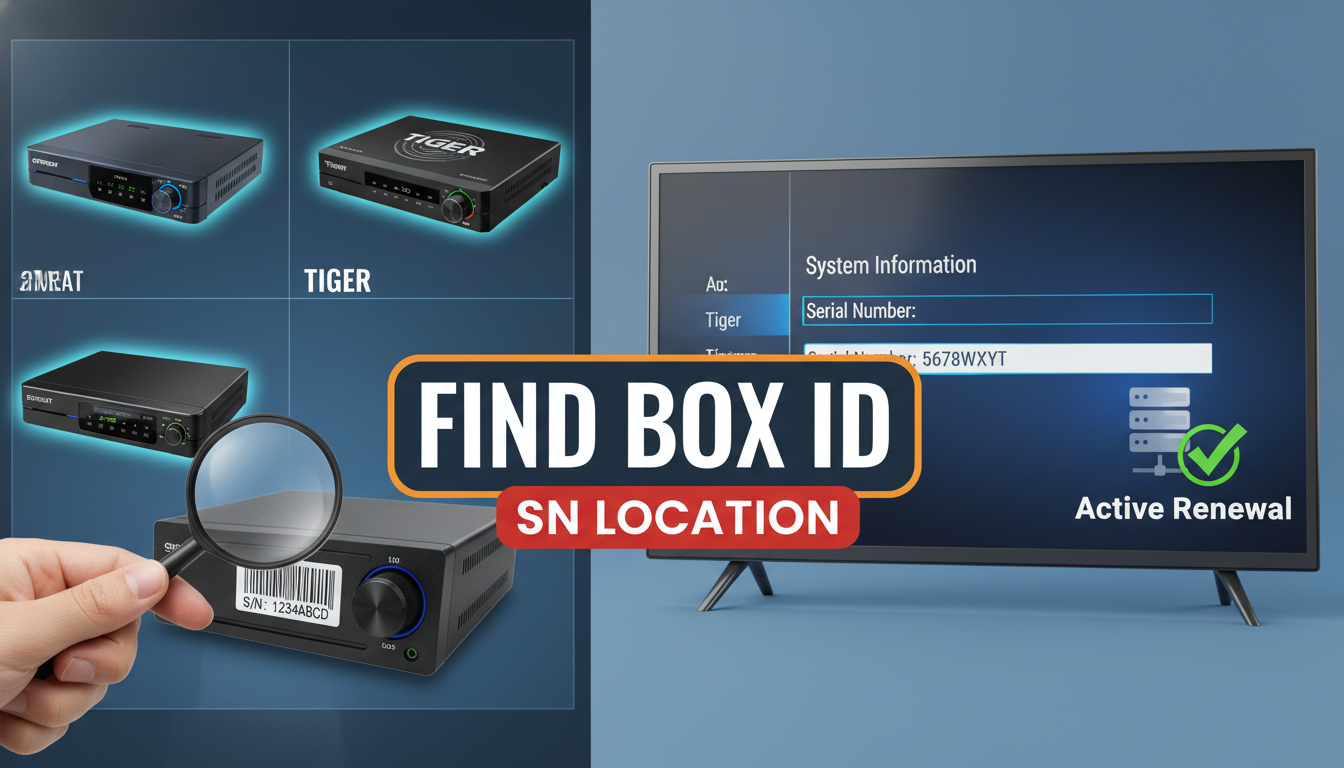
Your serial number or Box ID is the most important piece of information when renewing your satellite TV server subscription. Without it, the renewal cannot be processed. This guide shows you exactly where to find it on any receiver.
Why You Need Your Serial Number
The serial number (SN) or Box ID is your receiver’s unique identity on the satellite server. When you renew your subscription, the server uses your SN to find your account and extend your expiry date. Getting the correct serial number is critical — entering the wrong one means your renewal goes to a different device.
Method 1: Sticker on the Receiver (Fastest)
On most receivers, the serial number is printed on a white or silver sticker. Check these locations:
- Bottom of the receiver — flip it over and look for a sticker with numbers
- Back panel — near the power input or between the AV ports
- Inside the battery compartment — on some models it is under the remote control batteries
The serial number is usually labelled “S/N”, “SN”, “Serial No.”, or “Serial Number” and is typically 12 digits long.
Method 2: Through the Receiver Menu
If the sticker is missing or worn off, find it through the on-screen menu:
For most receivers (general method):
- Press Menu on your remote
- Go to Settings or System
- Select System Info, About, or Device Info
- Look for “Serial Number”, “SN”, or “Box ID”
For GTMEDIA MARS receivers (Box ID):
- Press Menu
- Go to Settings → Device Info
- Find “Box ID” — this is a 10-digit number (different from the standard 12-digit SN)
For NASHARE receivers:
- Press Menu
- Navigate to System → System Information
- The serial number is displayed on this screen
For NETFLY:
- Open the NETFLY app on your device
- Go to Settings → Account or About
- Your UNID (Unique Identifier) is displayed — this is what you use for renewal
Common Serial Number Formats
| Device Type | Format | Example |
|---|---|---|
| Apollo / Forever / FUNCAM | 12 digits | 220601007185 |
| GTMEDIA MARS | 10 digits (Box ID) | 1234567890 |
| NASHARE | 12 digits | 330512008274 |
| NETFLY | UNID format | NF-XXXXXXXXXX |
Common Mistakes When Reading the Serial Number
These characters are frequently confused when reading serial numbers:
- 0 (zero) vs O (letter O) — zero has no loop at the top, the letter O does
- 1 (one) vs I (capital i) vs l (lowercase L) — in most receiver displays, 1 is clearly a number
- 5 vs S — less common but can look similar on small sticker fonts
- 8 vs B — the number 8 is symmetric, the letter B is not
If you enter the wrong serial number, the renewal will activate on the wrong device. Always double-check before completing your order.
Verify Your Serial Number Before Buying
Before purchasing a renewal, use our free Check Your Device tool to verify your serial number. Just enter the number and it will show you:
- Whether the SN is recognised on the system
- Which services are currently active
- Your current expiry date
- Which plan you are currently subscribed to
This takes 30 seconds and confirms you have the right number before you spend any money.
What if I Cannot Find My Serial Number Anywhere?
If the sticker is completely missing and the menu method does not work, contact our support on WhatsApp. Send us a photo of your receiver (front and back) and we may be able to help identify the model and advise where to find the SN on that specific device.