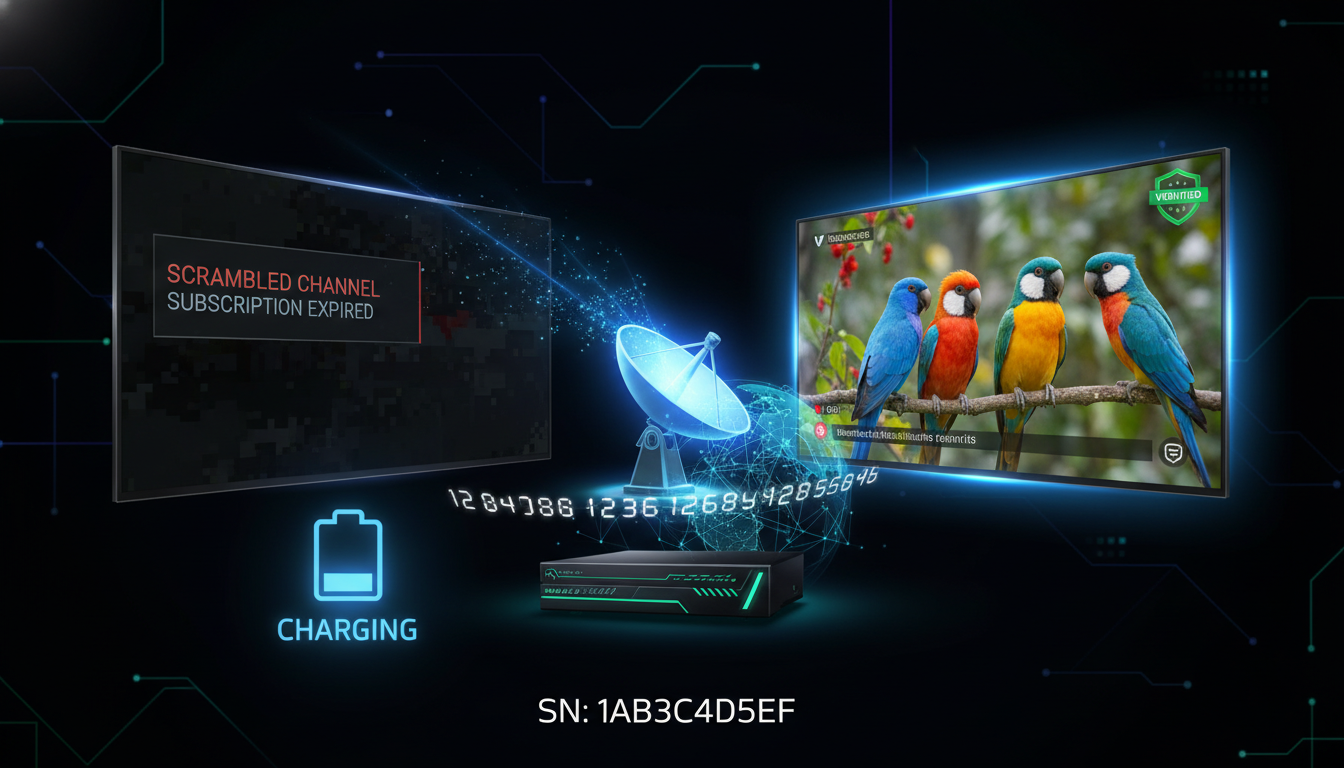
The term “Charging System” is what satellite TV users call the process of renewing or recharging their server subscription. This guide explains exactly how the Forever and FUNCAM charging system works in 2025.
What is the Charging System?
The “Charging System” is not a separate application or website — it is simply the process of paying to renew your server subscription. When your Forever Server or FUNCAM subscription expires, you need to “charge” or renew it to restore your channels.
In the early days, there were dedicated panel websites where dealers would charge receivers. Today, the process is simpler and can be done directly online through official renewal services like RENEW-FOREVER.
How the Forever Charging System Works
The system works as follows:
- Your receiver has a unique serial number (SN) — this is your device’s identity on the server
- The SN is registered on the server — when you first activated your receiver, your SN was added to the server database
- When you pay to renew — the server database is updated to extend your expiry date by the purchased period
- Your receiver checks the server automatically — when connected to the internet, your receiver verifies its subscription status. Once renewed, channels restore automatically
Where to Charge Your Forever Server in 2025
The official place to charge your Forever Server subscription is through authorised renewal services. RENEW-FOREVER is one of the most established, offering:
- Direct renewal for all major server types
- Instant activation (no waiting for a dealer)
- Crypto payment accepted (no PayPal or bank transfer complications)
- 24/7 support on WhatsApp and Telegram
Charging System Not Working? Common Reasons
“My subscription shows as charged but channels are not back”
This usually resolves itself within 10-15 minutes. Your receiver needs to reconnect to the server after renewal. Try: power off your receiver completely for 2 minutes, then power back on. If still not working after 30 minutes, contact support.
“The charging website is not opening”
Old unofficial charging panels frequently go offline. This is why using an established service like RENEW-FOREVER is important — we have been operating continuously since our launch and our website and payment system are always available.
“My serial number is not found in the charging system”
This can happen if your receiver was activated on a different server system than the one you are trying to renew on. Use our Check Your Device tool to see exactly which servers and services your SN is registered on.
“I was charged but activation did not happen”
Contact us immediately on WhatsApp with your order number. We resolve activation issues within 1 hour in almost all cases.
Charging System for FUNCAM vs Forever
The charging process is essentially the same for both FUNCAM and Forever-compatible receivers — enter your serial number, pay, and the server updates your expiry date. The main difference is which server system your receiver is registered on. Some receivers support both systems.
To find out which system your receiver uses, visit our Check Your Device page and enter your serial number. It will show you all active services and which server systems your device is registered on.
Ready to charge? View available plans and get your server renewed in minutes.