The GTMEDIA MARS server is one of the most popular satellite TV server systems, particularly known for its stability and channel quality. This complete guide covers setup, the unique Box ID system, channel coverage, and how to renew.
What is GTMEDIA MARS Server?
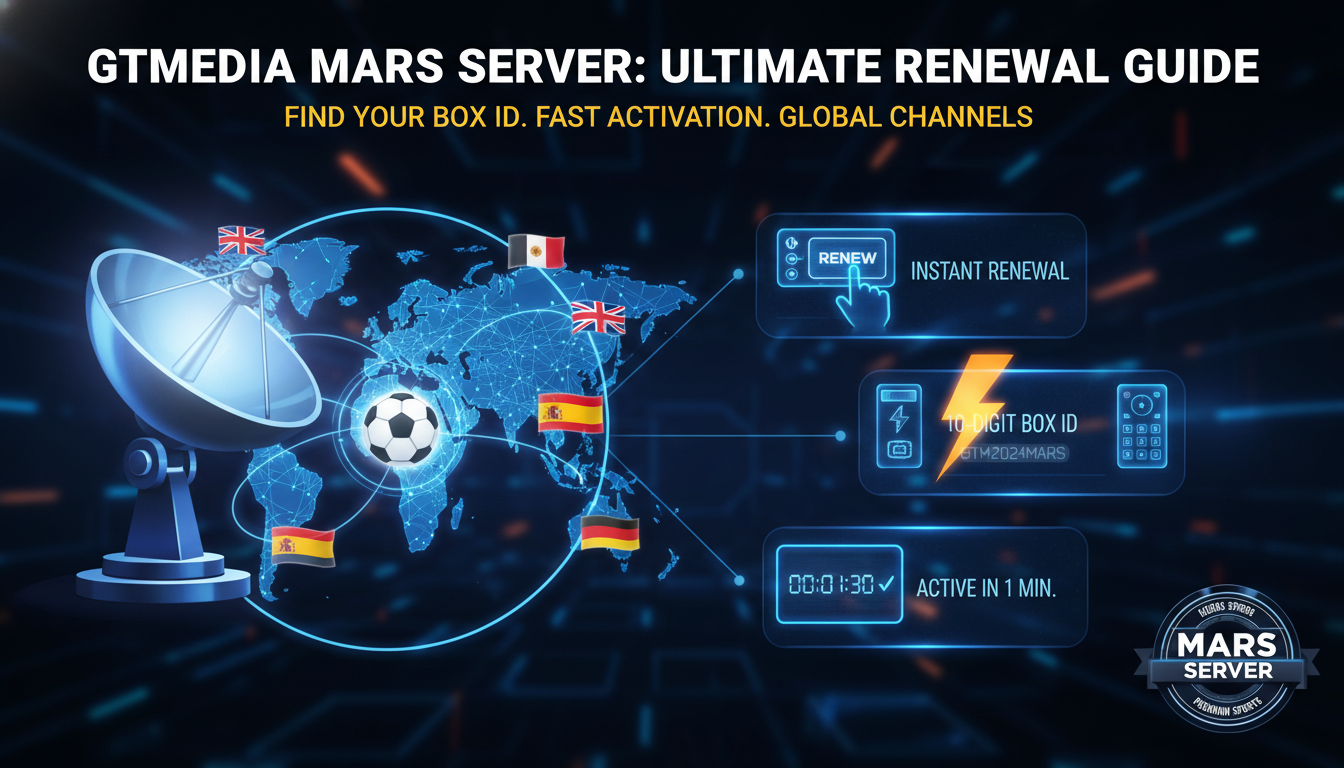
GTMEDIA MARS is a satellite TV server system designed specifically for GTMEDIA brand receivers. Unlike other server systems that use a 12-digit serial number, GTMEDIA MARS uses a unique “Box ID” — a 10-digit identifier specific to each device.
The MARS server infrastructure is known for providing high-quality channel streams with better stability than some other server systems, particularly for sports channels.
GTMEDIA MARS Server Variants
We offer three GTMEDIA MARS server plans depending on your location:
| Plan | Best Region | Key Channels |
|---|---|---|
| MARS Global | Worldwide | beIN Sports, OSN, DSTV, Sky packages |
| MARS Europe | UK, Germany, Italy, France | Sky IT, Sky DE, Sky UK, Canal+ |
| MARS Spain | Spain, Latin America | Movistar, LaLiga TV, beIN Sports |
How to Find Your GTMEDIA Box ID
The GTMEDIA MARS Box ID is different from a standard serial number. Here is exactly where to find it:
- On your GTMEDIA receiver remote, press Menu
- Navigate to Settings
- Select Device Info or About
- Find the field labelled “Box ID”
- Write down the 10-digit number exactly as shown
Important: Do not confuse the Box ID with the “Serial Number” that may also appear on this screen. For MARS server renewal, you need the Box ID specifically, not the general serial number.
How to Renew GTMEDIA MARS Server
Step 1 — Find your Box ID
Follow the steps above to locate your 10-digit Box ID.
Step 2 — Check current status
Go to our Check Your Device tool, select “MARS” as the device type, and enter your Box ID. You will see your current subscription status and exact expiry date.
Step 3 — Select your plan
Visit our shop and browse the GTMEDIA MARS section. Choose Global, Europe, or Spain depending on your location and channel preferences.
Step 4 — Pay and activate
Enter your Box ID at checkout, complete your one-time crypto payment, and receive automatic activation within 1-5 minutes.
GTMEDIA MARS Common Issues
Box ID not found in the system
Make sure you selected “MARS” as the device type on our check page. MARS Box IDs are in a different database from standard Forever/Apollo SN lookups. If the Box ID is still not found, contact support — it may need to be manually registered.
Server shows connected but channels are scrambled
This is usually a temporary server-side issue. Check our Server Status page to see if there is a known issue. If the problem persists for more than a few hours, contact support.
MARS server not updating channels after renewal
Restart your receiver completely (full power off, not standby). After restart, the receiver will reconnect to the MARS server and receive the updated subscription status.
GTMEDIA MARS vs Apollo Server
Both are excellent server systems. The main differences are:
- GTMEDIA MARS uses a 10-digit Box ID and is designed specifically for GTMEDIA receivers
- Apollo Server uses a standard 12-digit SN and works with a broader range of receiver brands
- Channel coverage is similar but MARS may have slight advantages for certain European channels
Your choice should be based on which system your specific receiver is registered on. Use the Check Your Device tool to see which services your device is already part of.
Ready to renew your GTMEDIA MARS server? View plans and get instant activation today.