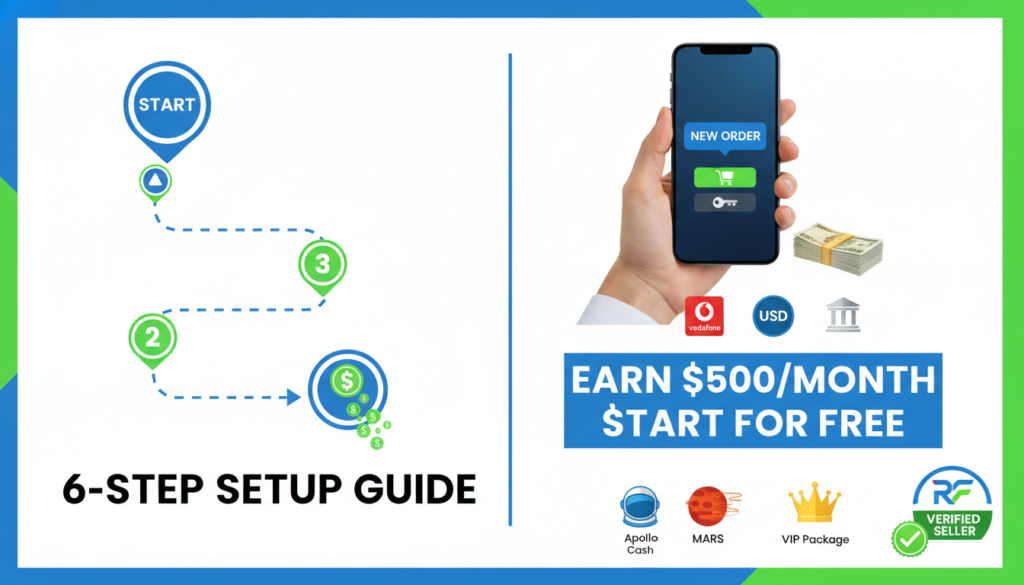
Selling satellite server renewals is one of the easiest side hustles you can start today if you live in a country where Apollo, MARS, NASHARE, NETFLY, or Funcam receivers are common. You buy renewal credits at wholesale prices from an official reseller panel, resell them to local customers at retail, and keep the margin. Thousands of independent sellers already do this — now you can join them on a platform that brings customers to you instead of you hunting for them on Facebook.
This guide covers the full setup: getting the wholesale panel, applying to the marketplace, and turning on your first sales.
Step 1 — Understand what you’re selling
A “renewal” is a digital code that extends a satellite receiver’s subscription. Satellite boxes like Apollo, MARS V2, NASHARE 2, and NETFLY need to be periodically recharged to keep accessing the channels (beIN Sports, OSN, Sky, bundles of Arabic/European/US channels, etc.).
As a reseller, you buy these renewal credits in bulk at wholesale prices (e.g. $7–$10 per 12-month Mango renewal) and resell them to end users at retail (typically $15–$25 depending on your country). Your profit is the margin.
Step 2 — Get your Mango reseller panel
This is the most important step. A reseller panel is your wholesale buying account — it’s where you actually purchase the credits and push them to customer devices. The official panel for Mango-family boxes (Apollo, MARS, NASHARE, NETFLY) is at panel.coinmango.org.
There are two ways to get one:
- Apply directly to CoinMango — contact them, pay a setup deposit, get approved. This takes days and often requires proof of existing customers.
- Ask us to open one for you — if you apply to the RENEW-FOREVER Marketplace and don’t have a panel yet, we can open one for you within 24 hours, as part of the onboarding. No setup fee. You only pay for the credits you use.
If you want option 2, message us on Telegram: @Renew_Forever. Tell us your country, the services you want to sell, and your expected monthly volume. We’ll set you up.
Step 3 — Apply to the Marketplace
Once you have a panel (or you’re ready to get one through us), go to Marketplace Apply and fill out the application. You’ll provide:
- Business name, contact details (WhatsApp + email are required)
- Your Mango reseller panel username — how we verify you’re legit
- Countries you serve and currencies you accept
- Services you can renew (Apollo / MARS / NASHARE / NETFLY / Funcam / VIP Package)
- Payment methods you accept (Vodafone Cash, Instapay, USDT, Bank Transfer, etc.)
- Payment account details so buyers know where to send money
Approval usually happens within 24 hours. You get an email with your seller dashboard login.
Step 4 — Log in and set your prices
In the Seller Dashboard → My Products tab, you’ll see every service + duration combination you offered in your application. For each one, enter your local price in your local currency. Buyers see these prices filtered by their country — so a seller in Egypt shows EGP prices only to Egyptian buyers, a seller in Nigeria shows NGN to Nigerian buyers, etc.
How to price competitively: browse the live Marketplace at /marketplace and see what other sellers in your country charge for the same service. Undercutting by 5–10% gets you more orders; matching the market keeps you steady; pricing high only works if you have a strong brand.
Step 5 — Add payment methods
In the Payment Methods tab, add every local payment option you accept. For each one, write clear instructions for buyers — e.g. “Send to Vodafone Cash number 0101234****7, then upload screenshot”. Buyers will only ever see methods that match their country’s payment landscape.
Rule: never put contact info (WhatsApp, Telegram, personal email) in payment instructions. Our system auto-masks these to prevent off-platform communication. Contact belongs on the order tracking page, not the payment field.
Step 6 — Receive your first order
When a buyer places an order on one of your services, you get notified via:
- Email (to the address on file)
- WhatsApp notification (if enabled)
- Seller Dashboard notifications panel
You confirm the payment (compare the uploaded screenshot with your wallet/bank), then go to your Mango reseller panel and push the renewal credit to the buyer’s serial number. Come back to RENEW-FOREVER, click Mark as Completed, and our system auto-verifies the renewal against the CoinMango API. Done.
Commission and payouts
Your first 3 orders are commission-free — total of zero. After that, 5% per completed order is added to your “platform debt”. When your debt reaches $5, your listing pauses until you settle. You pay via USDT (wallet address shown in your dashboard) or Binance Pay. It takes about 1 minute to clear.
There are no monthly fees, no setup fees, no hidden charges. Your listing is 100% free — forever.
How much can I earn?
It depends on your country and marketing. Active sellers in high-volume countries (Egypt, Nigeria, Turkey, Pakistan) typically do 30–100 orders a month. At an average $5 margin per order, that’s $150–$500 a month. Sellers who focus on higher-end services (VIP Package, NASHARE annual bundles) often do better.
The secret to growing: reply fast on WhatsApp, keep prices competitive, and complete renewals within 15 minutes of payment. Buyers who have a smooth first experience always come back, and they tell their friends.
Ready to start?
If you have questions before applying, message @Renew_Forever on Telegram. Otherwise, head to the application form below.