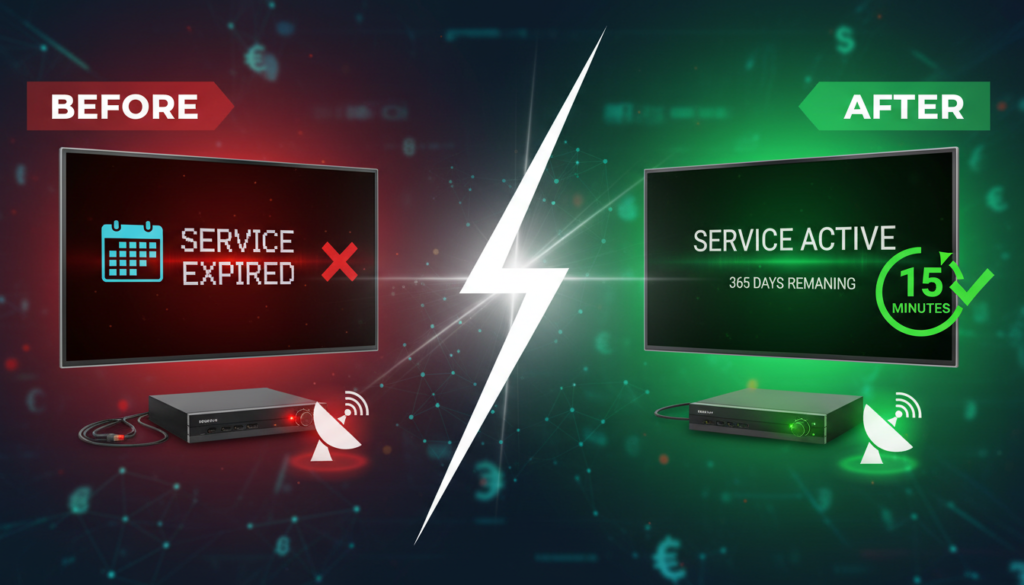
If you own an Apollo, MARS, NASHARE, NETFLY, or Funcam satellite receiver and it’s about to expire, the RENEW-FOREVER Marketplace is the easiest way to get it renewed — in your own country, in your own currency, through a payment method you already use. This guide walks you through the full buying flow, step-by-step, with no jargon.
What is the Marketplace?
The RENEW-FOREVER Marketplace is a directory of verified local sellers (resellers) from 40+ countries. Each seller has their own reseller panel and accepts local payment methods like Vodafone Cash (Egypt), M-Pesa (Kenya), Instapay, Bank Transfer, USDT, and dozens of others. You browse sellers, pick one you trust, pay them directly in local currency, and we verify the renewal on your device within minutes.
Step 1 — Find your serial number
Before anything, you need your receiver’s serial number. On most Apollo/MARS/NASHARE boxes, go to Menu → System Info or Settings → About. The serial is usually 12 digits (for Mango-family boxes) or 16 digits (for MARS/NASHARE). Write it down — you’ll need it at checkout.
If you can’t find it, see our serial number lookup guide which shows the exact menu path for every common model.
Step 2 — Check your device on RENEW-FOREVER
Go to Check Your Device, enter your serial number, and press Check. The system tells you:
- Device type (Mango box, MARS, NASHARE, NETFLY, etc.)
- Current expiry date
- Available renewal plans and durations (3 months, 6 months, 1 year, 2 years)
- The lowest price currently offered by local sellers
This page does not show fixed prices — every device has different available plans, and every seller sets their own rate. Prices you see are always live.
Step 3 — Pick a seller in your country
Click the plan you want. You’ll land on the Place Renewal Order page showing sellers who offer that plan, filtered by your country. For each seller you’ll see:
- Their name, logo, and rating
- Price in local currency (e.g. EGP, NGN, INR, USD)
- Accepted payment methods
- Years active on the platform and number of completed orders
Tip: Higher-rated sellers with more completed orders are generally faster and more responsive. The small price difference is usually worth it.
Step 4 — Place the order
Choose your seller, pick a payment method from the dropdown, and the seller’s payment instructions appear (e.g. a Vodafone Cash number, a bank account, a USDT wallet address). Read them carefully.
Enter your name and WhatsApp number, then send the exact amount to the seller using the instructions they provided. Take a screenshot of the payment confirmation.
Step 5 — Upload proof and submit
Back on the order page, upload your payment screenshot (JPG or PNG, under 2 MB is fine), and click Place Order. The seller is notified instantly via WhatsApp and email.
Step 6 — The seller renews your device
The seller confirms your payment, then pushes the renewal to your device through their reseller panel. This usually takes 5–30 minutes depending on the seller’s response time. You can track the order at any time — every order has a unique tracking link sent to you by email and WhatsApp.
Once the renewal is done, our system auto-verifies it against the CoinMango API and the expiry date on your device updates automatically. You’ll get an email confirmation with the new expiry.
What if something goes wrong?
If your seller takes too long or doesn’t respond, use the order tracking page to contact support — our team steps in and either pushes the seller to finish, or refunds you and completes the order ourselves. Because every payment happens on-platform with proof-of-payment, we can always mediate disputes fairly.
Paying in crypto (USDT, BTC)
If the seller accepts crypto, the process is the same: they’ll give you a wallet address, you send the USDT/BTC, you screenshot the tx hash, and upload it as proof. The advantage is instant settlement — no bank delays. The disadvantage is once sent, it’s irreversible, so double-check the wallet address before confirming.
Summary
That’s the entire buyer flow: check your device → pick a local seller → pay in local currency → upload proof → get renewed. The whole thing usually takes 15–30 minutes. Try it on your next renewal and you’ll never go back to begging random Facebook pages for a reload.